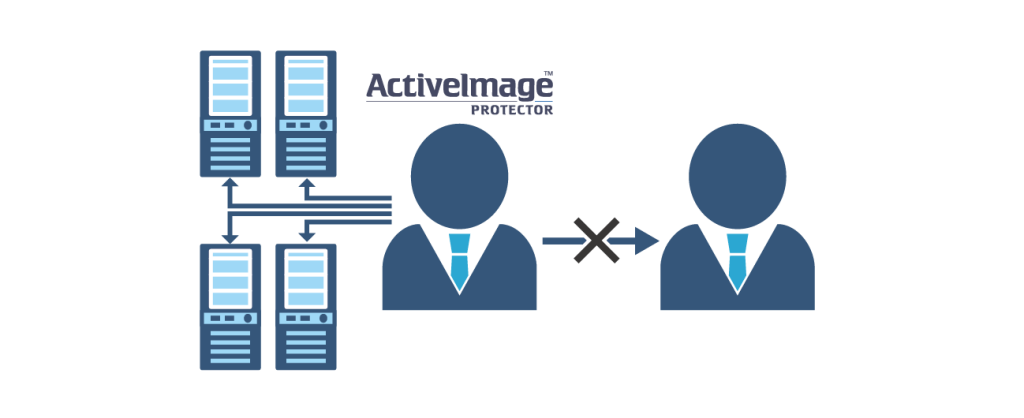
ActiveImage Protector Use Case
1. Irregular Cases
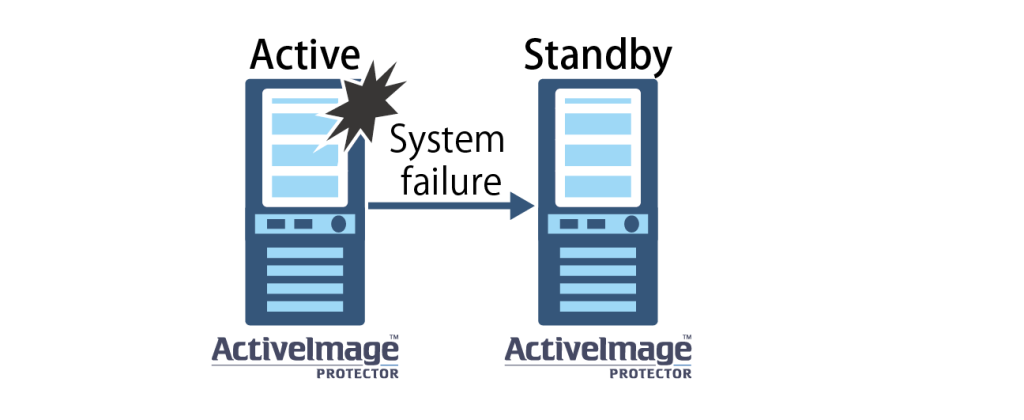
Standby Machine, a Duplicate of an Active Machine, Is Deployed
Standby machine, a duplicate of an active machine, is deployed.
The standby machine, even when normally powered off, is a switch over for the active machine in the event of emergency, you need to purchase 2 licenses, one for the active and standby machines.
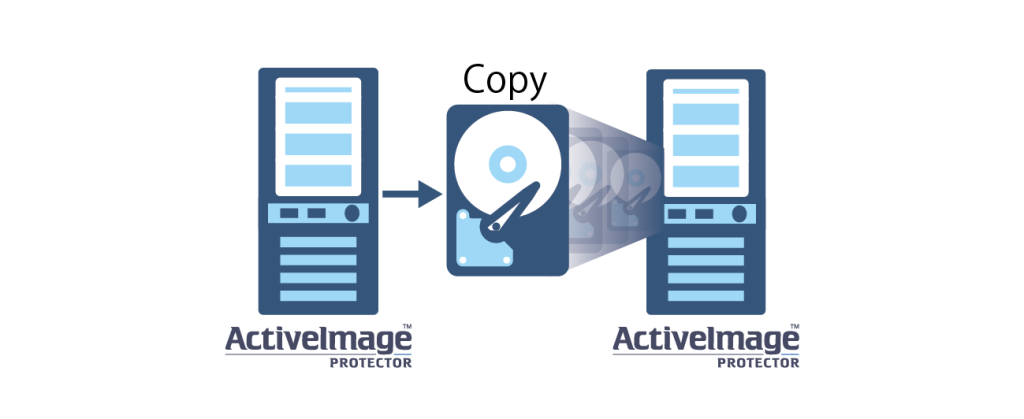
Migrate Data from Disk to Disk and Connect It to a Different Computer
Migrating a system from a hard disk on a computer with ActiveImage Protector installed to another machine using the Disk-to-Disk copy feature, requires an additional license.
For example, if you copy a system disk and then connect it to a different machine for operation, you need to purchase additional ActiveImage Protector licenses.
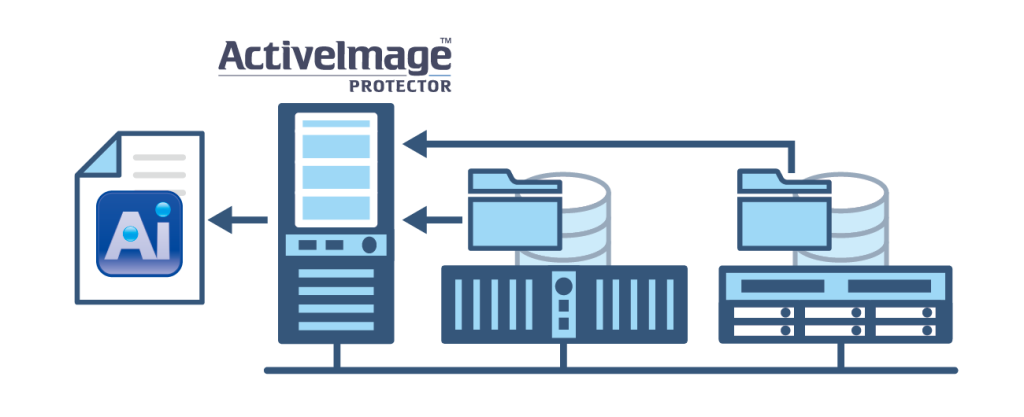
Backing Up Network Shared Folders
There are no limitations when targeting network shared files or folders for backup from a licensed ActiveImage Protector environment, you can back them up. (Excluding Desktop and Linux Editions)
- This is only for file backup.
2. License Migration, Redundancy, etc.
Migration of a License from Physical to Physical
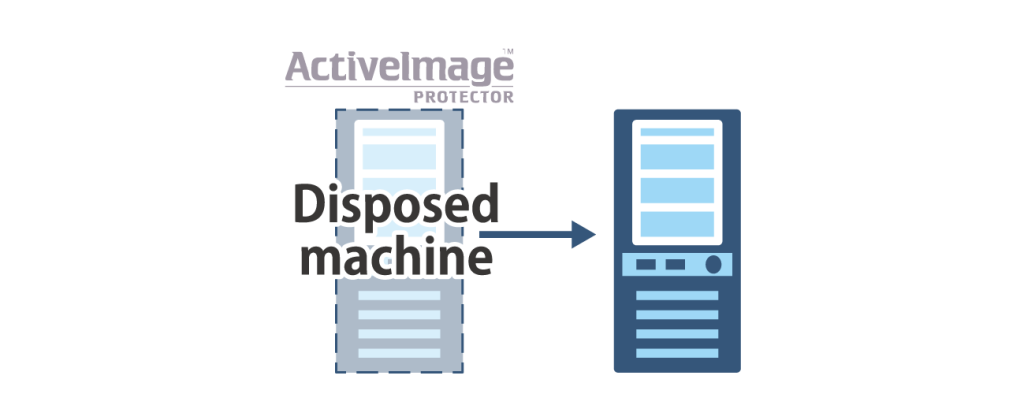
When migrating an ActiveImage Protector licensed physical server to a new physical server, the license is valid to use on the migrated server on the condition that the migration source server shall be disposed of.
If the migration source server is running in parallel, please purchase a subscription license for the parallel operation of the migration source server.
Migration of a License from Physical to Virtual
Virtualization of Physical Machine
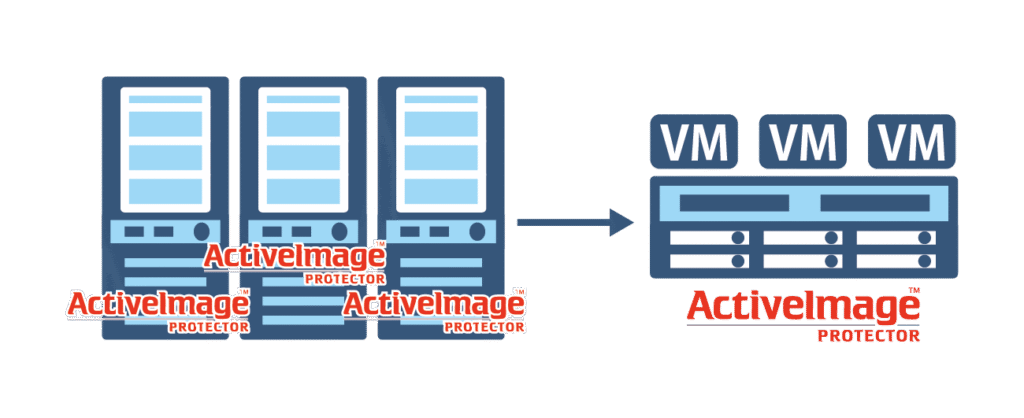
If You Do Not Have a Perpetual ActiveImage Protector License for a Physical Server
A perpetual-licensed copy of ActiveImage Protector Server / Linux has to be installed on the migration source server and a perpetual- licensed copy of ActiveImage Protector Virtual on the migration target server.
When migrating to virtual environment, a perpetual-licensed copy of ActiveImage Protector Virtual has to be installed on the migration target.
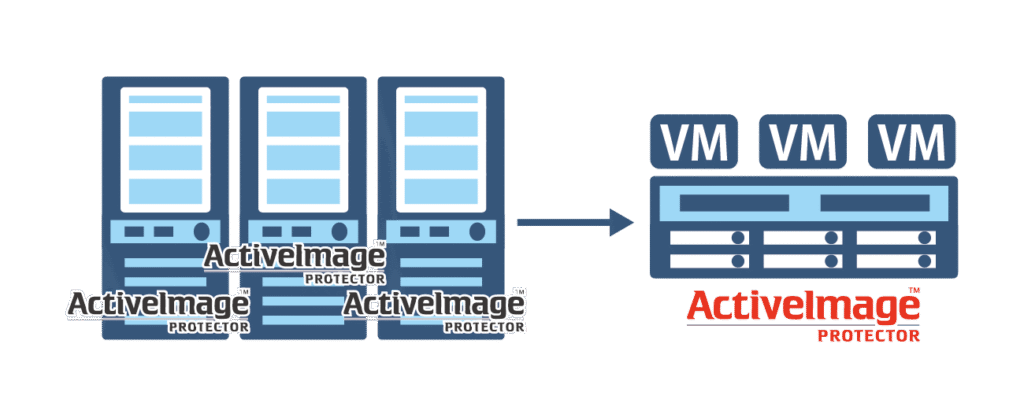
If a Perpetual-Licensed Copy of ActiveImage Protector Is Installed on the Physical Server
Another perpetual-licensed copy of ActiveImage Protector Virtual is required on migration target for migration operations.
Physical Machine Redundancy
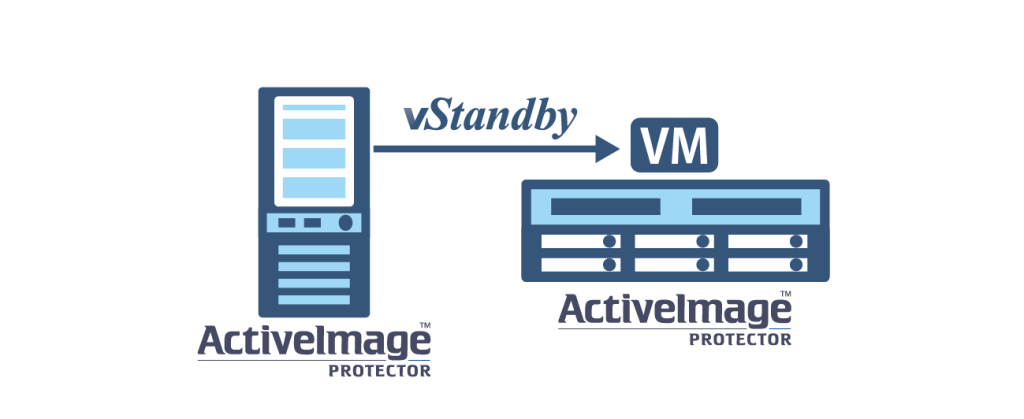
When installing a licensed copy of ActiveImage Protector on the physical server and when implementing the system redundancy by using vStandby feature, since ActiveImage Protector is installed on the created standby virtual machine, you need to purchase another ActiveImage Protector Virtual license on the redundant destination host.
If you already have ActiveImage Protector Virtual license on hypervisor on which standby server is configured, you do not have to purchase additional license.
Migration of a License from Virtual to Virtual
Migration of Virtual Machine
If You Do Not Have a Perpetual ActiveImage Protector License for a Virtual Server
One licensed copy of ActiveImage Protector Virtual is required on migration source virtual server and perpetual-licensed copy of ActiveImage Protector Virtual on migration target virtual server.
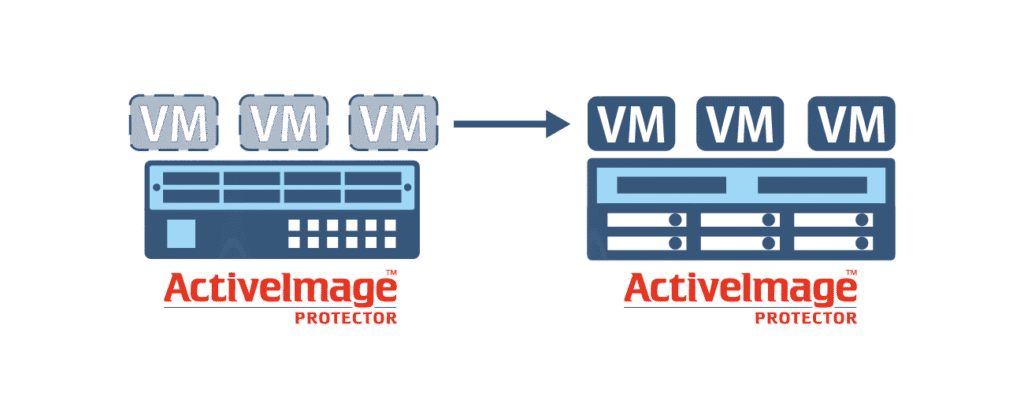
If a Perpetual-Licensed Copy of ActiveImage Protector Is Installed on the Virtual Server
Another perpetual-licensed copy of ActiveImage Protector Virtual is required on migration target for migration operations.
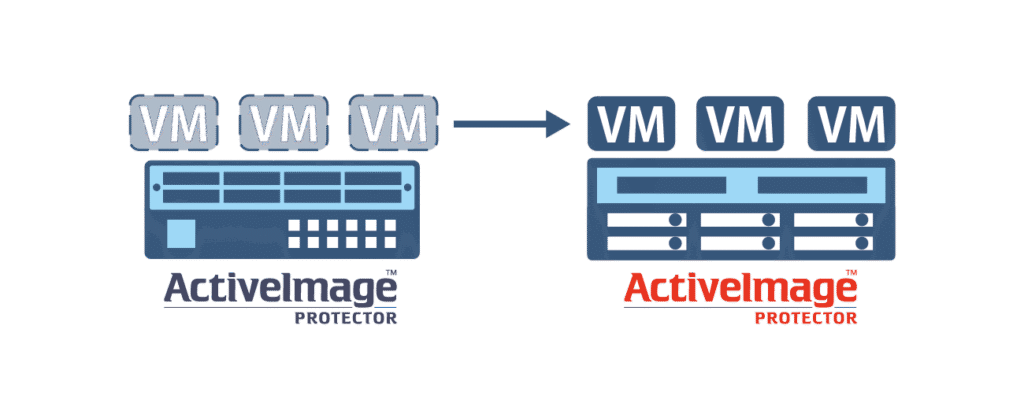
Virtual Machine Redundancy
When configuring the redundant virtual machine from ActiveImage Protector licensed host to another host by using vStandby, etc., ActiveImage Protector Virtual is required on the redundant host.
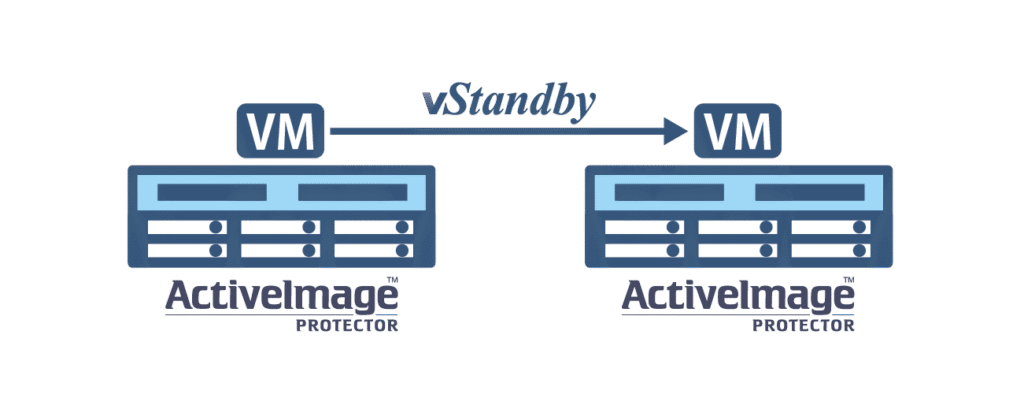
Migration of Physical / Virtual Machine to the Cloud
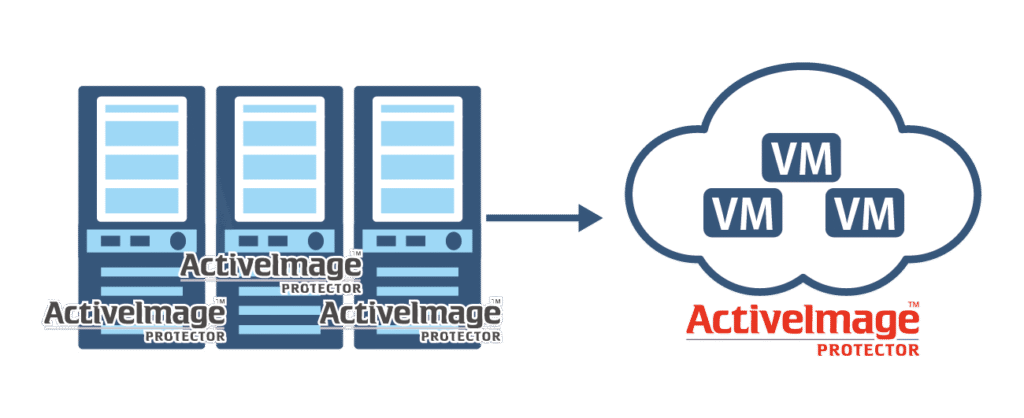
Migration of Physical Machine to the Cloud
If You Do Not Have a Perpetual ActiveImage Protector License for a Physical Server
One perpetual-licensed copy of ActiveImage Protector Server is required on migration source physical server and one perpetual-licensed copy of ActiveImage Protector Cloud on virtual server on migration target cloud.
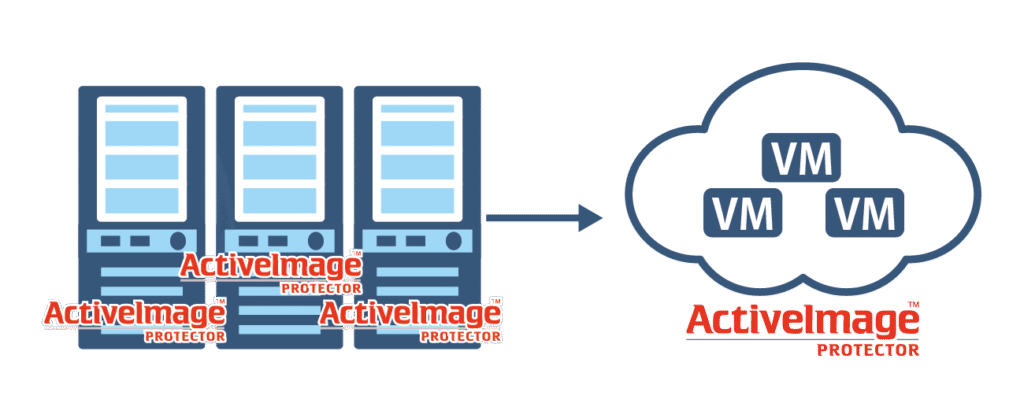
If a Perpetual-Licensed Copy of ActiveImage Protector Is Installed on the Physical Server
One perpetual-licensed copy of ActiveImage Protector Cloud is required on the migration target for migration operation.
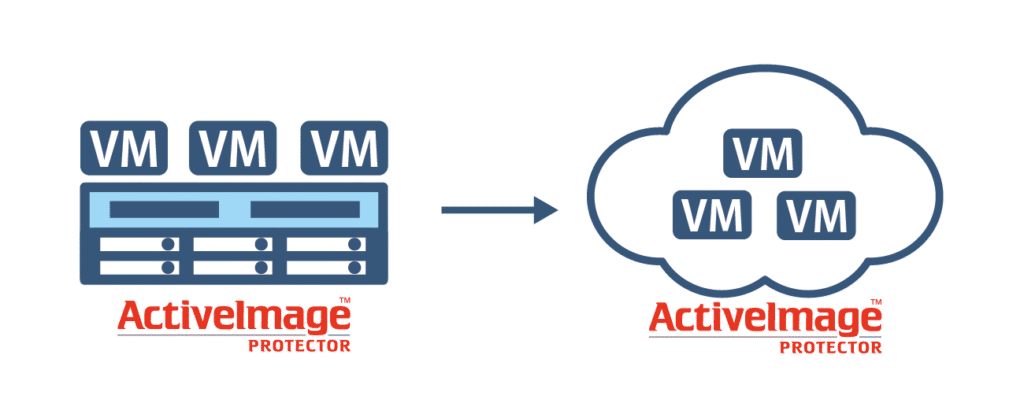
Migration of Virtual Machine to the Cloud
If You Do Not Have a Perpetual ActiveImage Protector License for a Virtual Server
One perpetual-licensed copy of ActiveImage Protector Virtual is required on the migration source virtual server and ActiveImage Protector Cloud on the virtual server in migration target cloud.
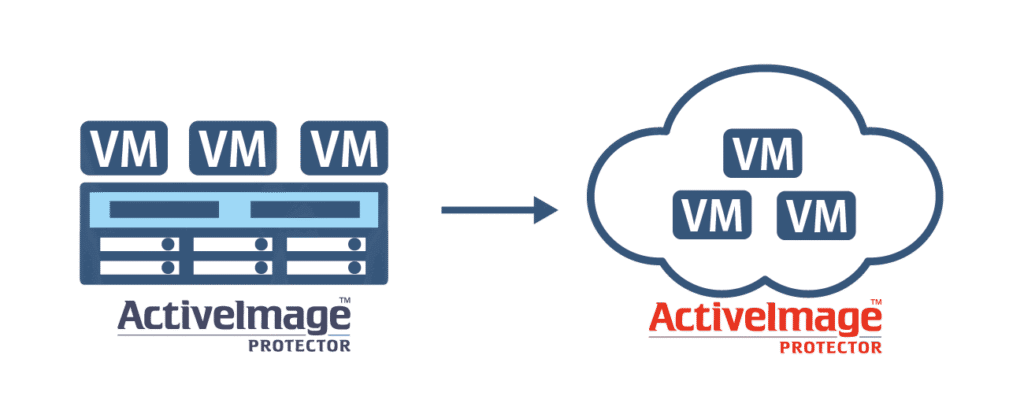
If a Perpetual-Licensed Copy of ActiveImage Protector Is Installed on the Virtual Server
One perpetual-licensed copy of ActiveImage Protector Cloud is required on the virtual server in the migration target cloud for migration operations.
Migration of the licensed copy of ActiveImage Protector Virtual to virtual server in cloud service is not allowed.
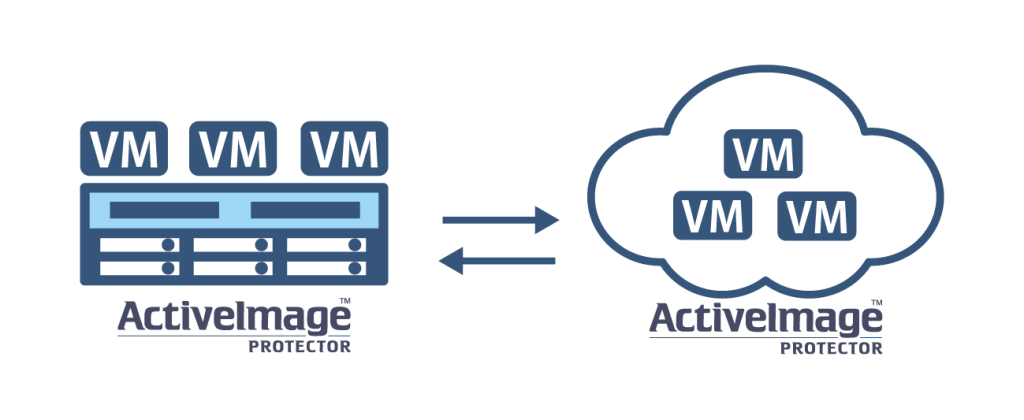
However, installation of a licensed copy of ActiveImage Protector Virtual on on-premises virtual server and ActiveImage Protector Cloud on server in cloud service allows free implementation of the system migration between virtual environment and cloud environment without the need to replace the licenses.
Use Backup Files to Deploy Redundant Virtual Machines
When implementing redundant system environment with HyperStandby / vStandby AIP by using the backup files created by the installed copy of ActiveImage Protector, another licensed copy of ActiveImage Protector Virtual is required on the standby machine.
If the hypervisor on which the standby server is configured has a licensed copy of ActiveImage Protector Virtual, no additional license is required.
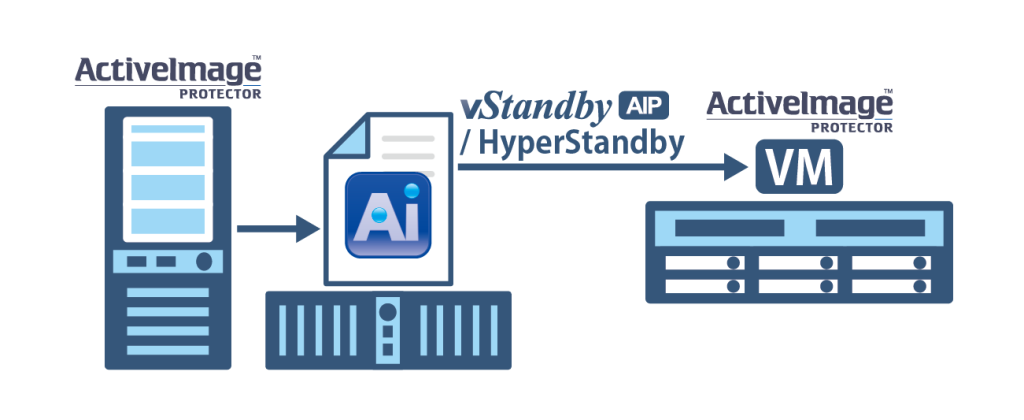
HCI Environment
On HCI environments, ActiveImage Protector 2022 Virtual licenses are required on all configured hypervisors.
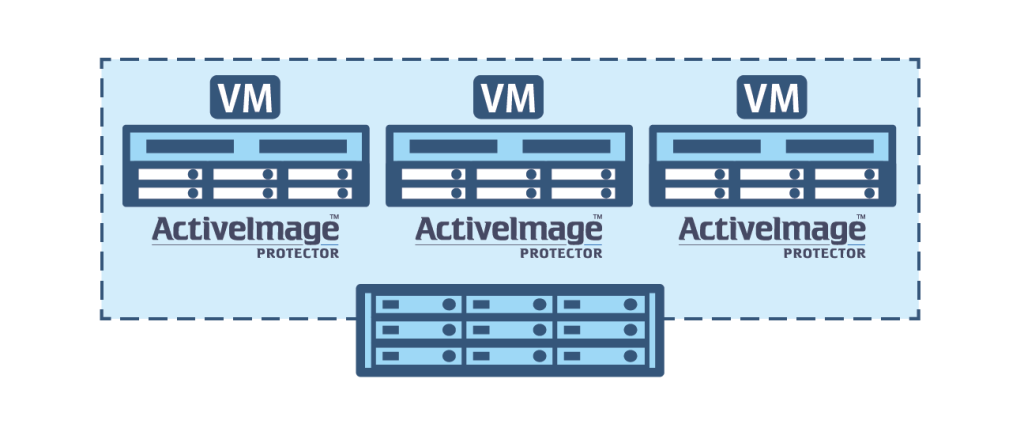
Cluster Environments Configured with Three or More Nodes
Dedicated additional node licenses are required for cluster environments having 3 or more nodes in the same group.
Additional node licenses cannot be normally activated on different cluster groups.
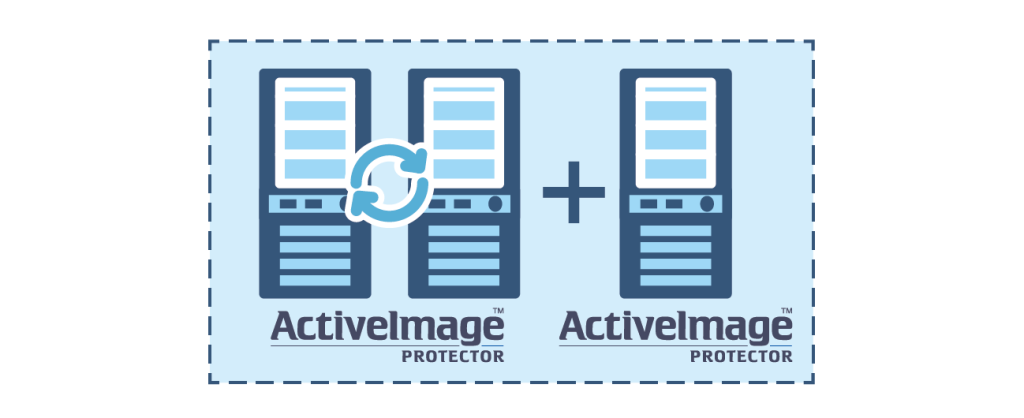
Redundancy of Virtual Machines Backed Up Using Agentless Backup
When performing agentless backup of virtual machines using HyperAgent, ActiveImage Protector is not installed on the virtual machines and is not contained in backup image files.
Therefore, no additional license is required even when a redundant machine is created with HyperStandby.
However, when backing up a redundant virtual machine, if the hypervisor of the redundant machine is unlicensed, a separate license is required.
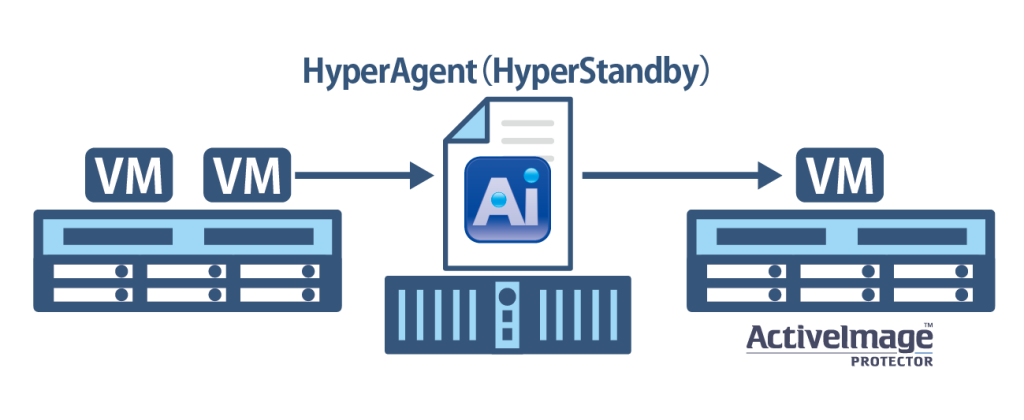
License Migration Between Hypervisor Hosts
When migrating from an existing virtual machine to a new virtual machine configured on ActiveImage Protector licensed host, and if the host is licensed with ActiveImage Protector Virtual, no more additional license is required according to the rule that one license is required on one host.
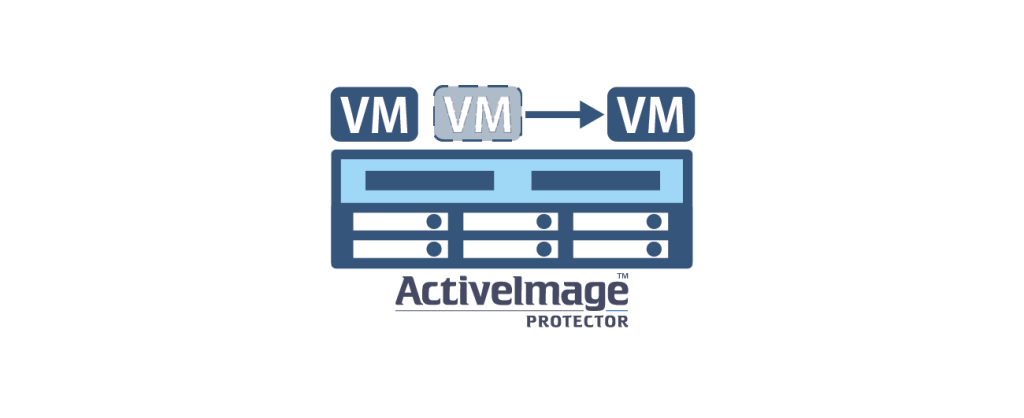
Backing Up HyperAgent
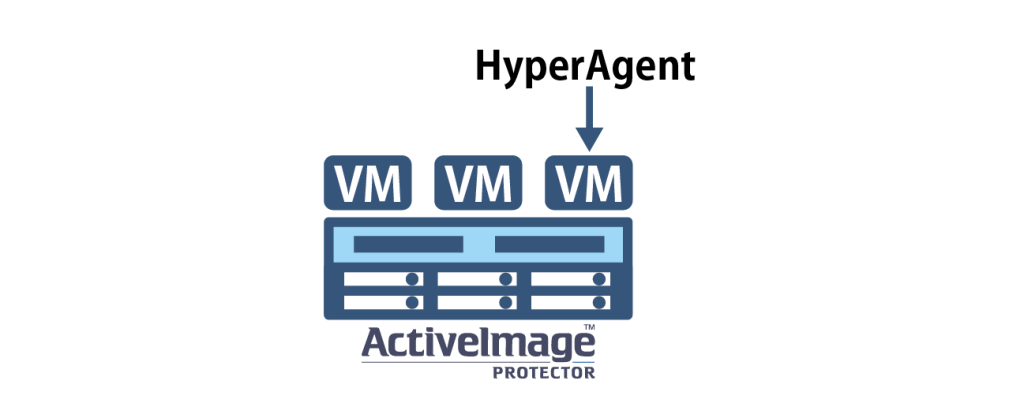
When using ActiveImage Protector Virtual for activation of product key for backing up virtual guests and for agentless backup operation, at least one HyperAgent must be installed on one machine connectable to the virtual host.
When installing HyperAgent on a licensed host or on a virtual machine on that host, HyperAgent itself can be backed up for the number of valid licenses.
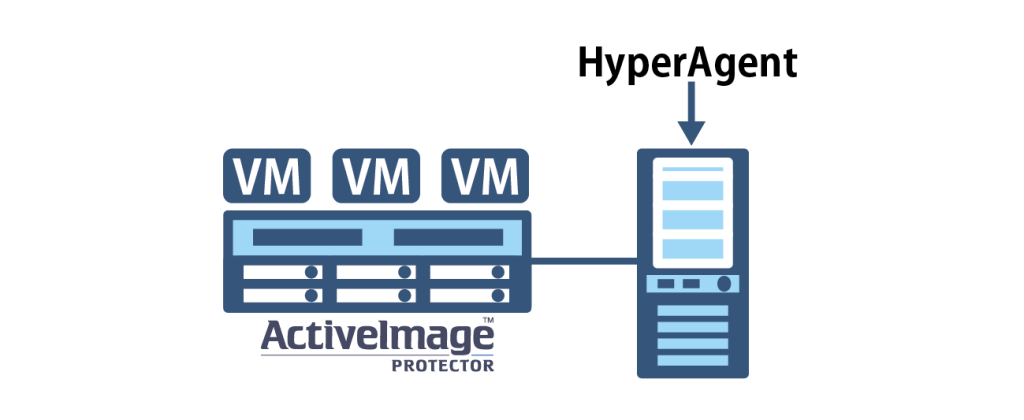
When performing agentless backup using HyperAgent installed on a virtual server on a different host or physical server, HyperAgent itself can be backed up for the number of times of valid licenses of ActiveImage Protector Virtual.
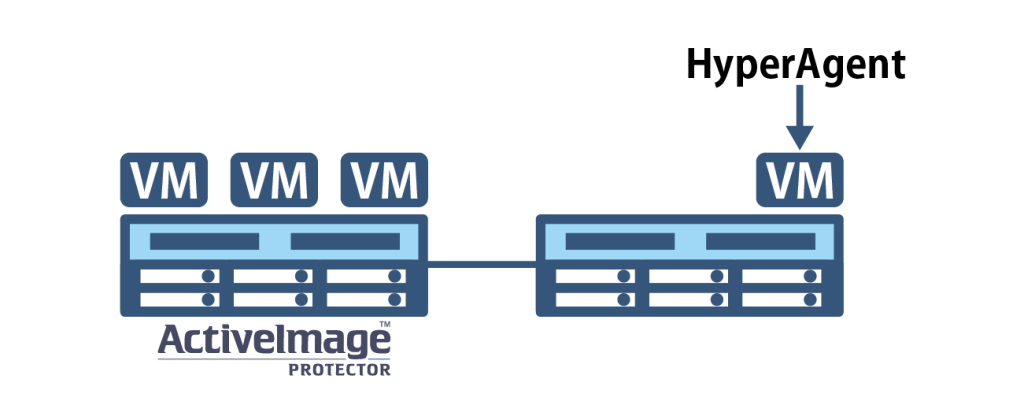
- If you do not perform backup operation using HyperAgent, another licensed copy of ActiveImage Protector is required to back up HyperAgent itself.
Backing Up Client OS on Which Virtual Environment Is Configured
When host-based virtual environment (VMware Workstation, etc.) is configured on client OS (Windows 11, etc.), ActiveImage Protector Server vPack license is required to back up the virtual environment.
If you also need to back up the client OS as the virtual host, you need to purchase additional ActiveImage Protector Desktop license.
- ActiveImage Protector Desktop license alone does not allow you to back up the entire host system.

Restrictions on the Use of BE Media Created Using Actiphy Boot Environment Builder
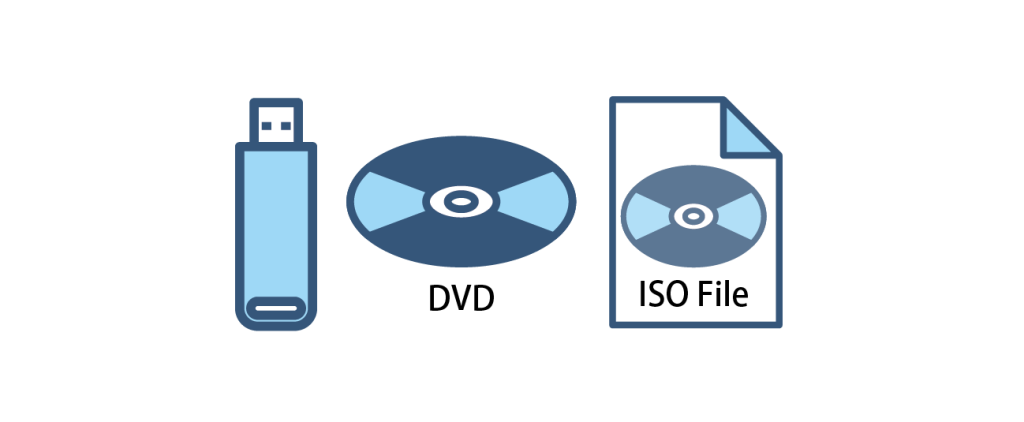
BE media created by using Actiphy Boot Environment Builder included in ActiveImage Protector is allowed to boot up the system and use on the machine which ActiveImage Protector license is applied.
Linux-based boot media can be used only on Windows / Linux OS machine, while Windows PE/RE-based boot media can be used in Windows OS licensed environment (every features including System Recovery / Cold Backup / File Recovery are supported).
Licensed Use of ActiveImage Protector IT Pro
ActiveImage Protector IT Pro is licensed to an individual.
Registered IT Professional can perform tasks such as backup, recovery, and migration via manual operation for one year, without any limit on the number of machines.
You cannot create multiple copies of the ActiveImage Protector IT Pro media and use them simultaneously.
Furthermore, registered engineers may not lend or transfer their licenses to other engineers.